Comparing Data Collection Techniques: iPhone lidar, iPhone Camera, and Mirrorless Camera
During our recent trip to Kilve, we experimented with three distinct data collection methods: iPhone lidar, a phone camera, and a mirrorless camera (Nikon Z7 Mark III).

By David Hodgetts
Published On 2024-07-22
Last Edited : 2024-07-22
Comparing Data Collection Techniques: iPhone lidar, iPhone Camera, and Mirrorless Camera

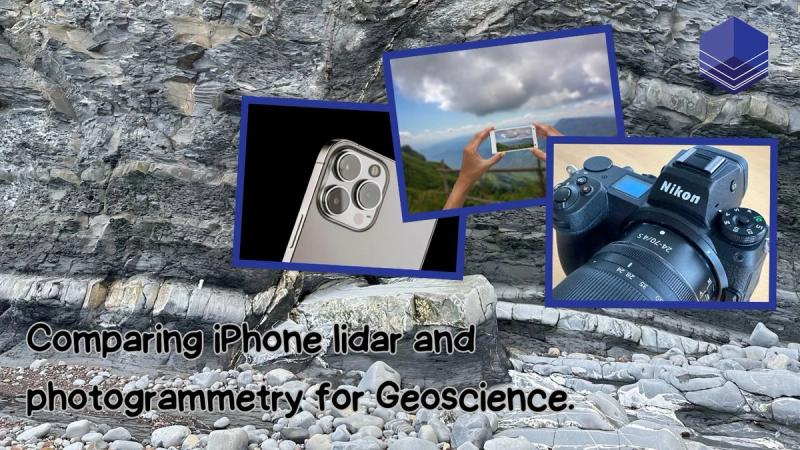
Comparing Data Collection Techniques: iPhone lidar, Phone Camera, and Mirrorless Camera
As digital outcrop data collection approaches get easier and more accessible, it’s important to understand the advantages and disadvantages of each.
During our recent trip to Kilve, Somerset, U.K. we experimented with three collection methods: iPhone lidar, an iPhone camera, and a mirrorless camera (Nikon Z7 Mark III). The phone lidar used on-phone processing, and the photographic images were processed through photogrammetry using the software Metashape, back in the office.
We ensured that each data collection session lasted approximately five minutes, maintaining consistent parameters across different methods. This approach helped us compare the results more effectively.
Here's an overview of our findings and insights into each technique.
iPhone Lidar Data Collection
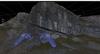
The first dataset was collected using an iPhone equipped with a lidar sensor (iPhone 14 Pro Max). The lidar sensor allowed us to generate a detailed model of the outcrop with relative ease. The scale bar in our model represented one metre, with each segment equal to ten centimetres. This high level of detail was achieved simply by walking around the outcrop with the phone in hand.

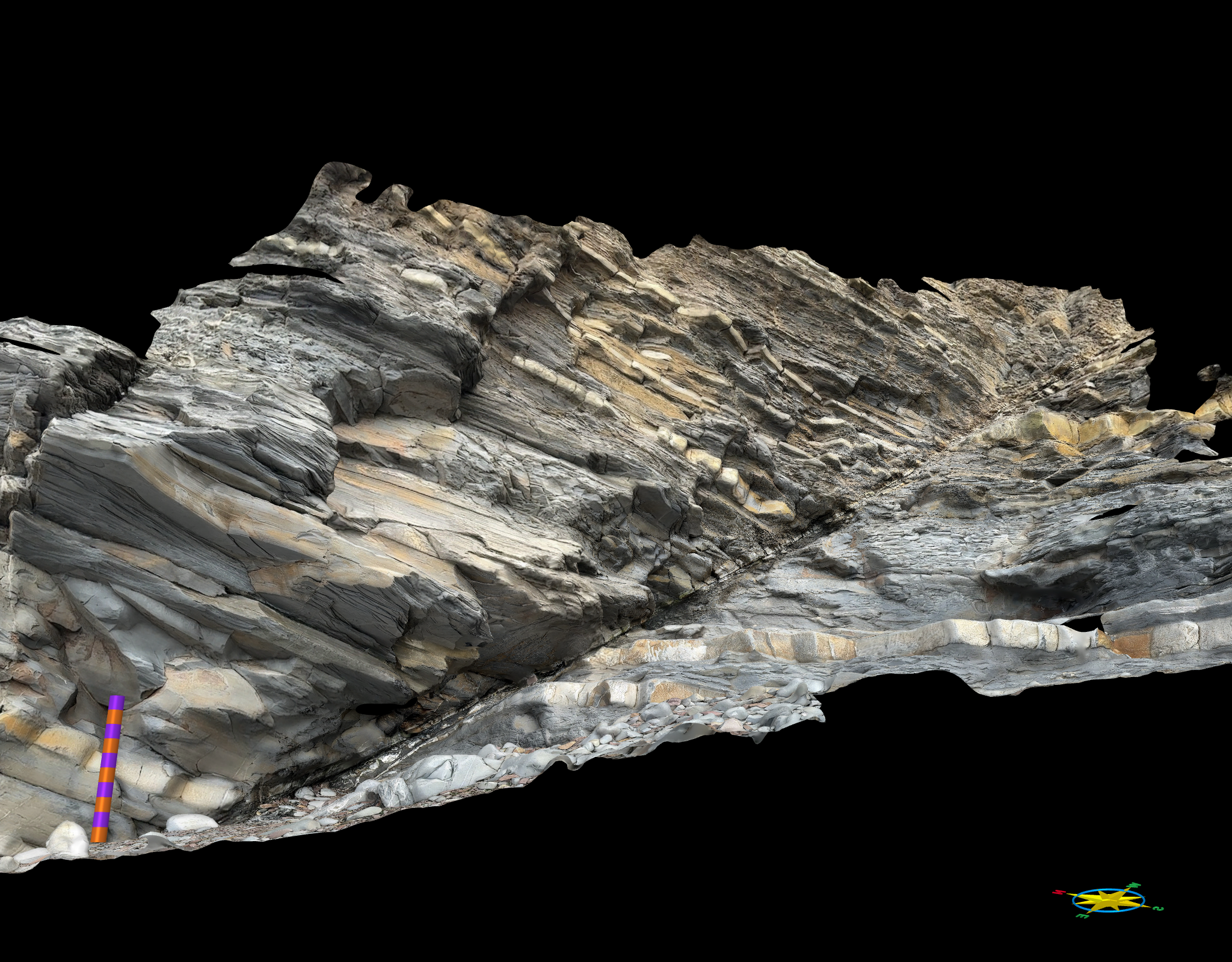
The iPhone lidar derived model.
One of the primary advantages of using iPhone lidar is the ability to see what data is being collected in real-time. This makes it easy to identify and fill in any data gaps while still in the field. However, the main question we aimed to address was the quality of the data itself. While a textured mesh looks impressive, the accuracy and reliability of the measurements derived are also important.
Phone Camera Data Collection
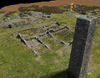
Next, we utilised the phone camera (iPhone 14 Pro Max, 48MP with a 24 mm lens, ƒ/1.78 aperture)to capture images of the outcrop. One significant benefit of using the phone camera was its flexibility in accessing hard-to-reach areas, such as small caves and crevices, which posed challenges for the larger mirrorless camera.
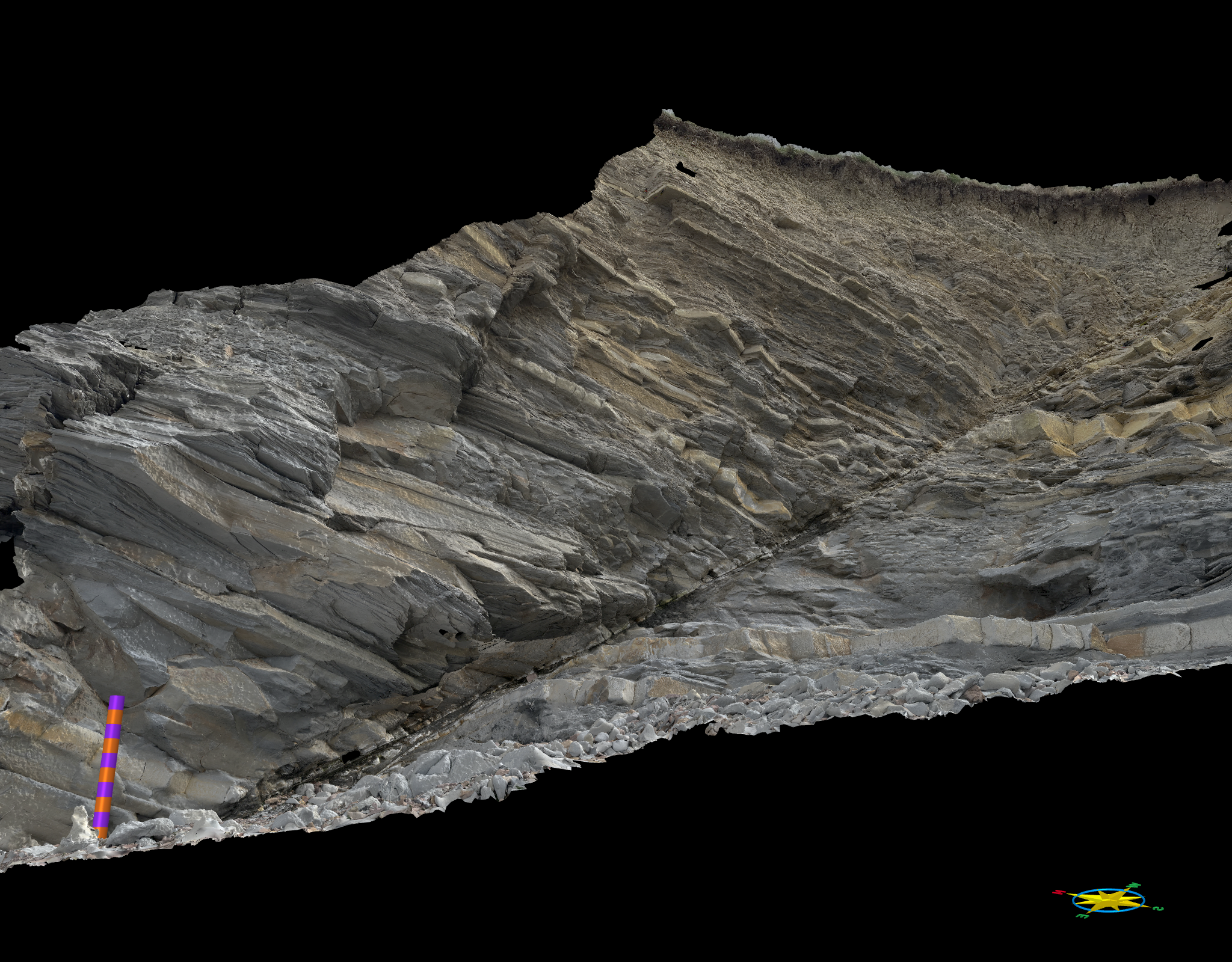
The model created using photographs from the iPhone camera
The images collected using the phone camera were processed using Metashape back in the office. This method allowed us to generate a comprehensive model of the outcrop with a similar area of coverage to the Lidar data.
Mirrorless Camera Data Collection
Our third dataset was captured using the Nikon Z7 Mark III mirrorless camera. While this camera provides high-quality images, its larger physical size makes it difficult to manoeuvre into tight spaces, but gives you more control over the settings for the images you are collecting.
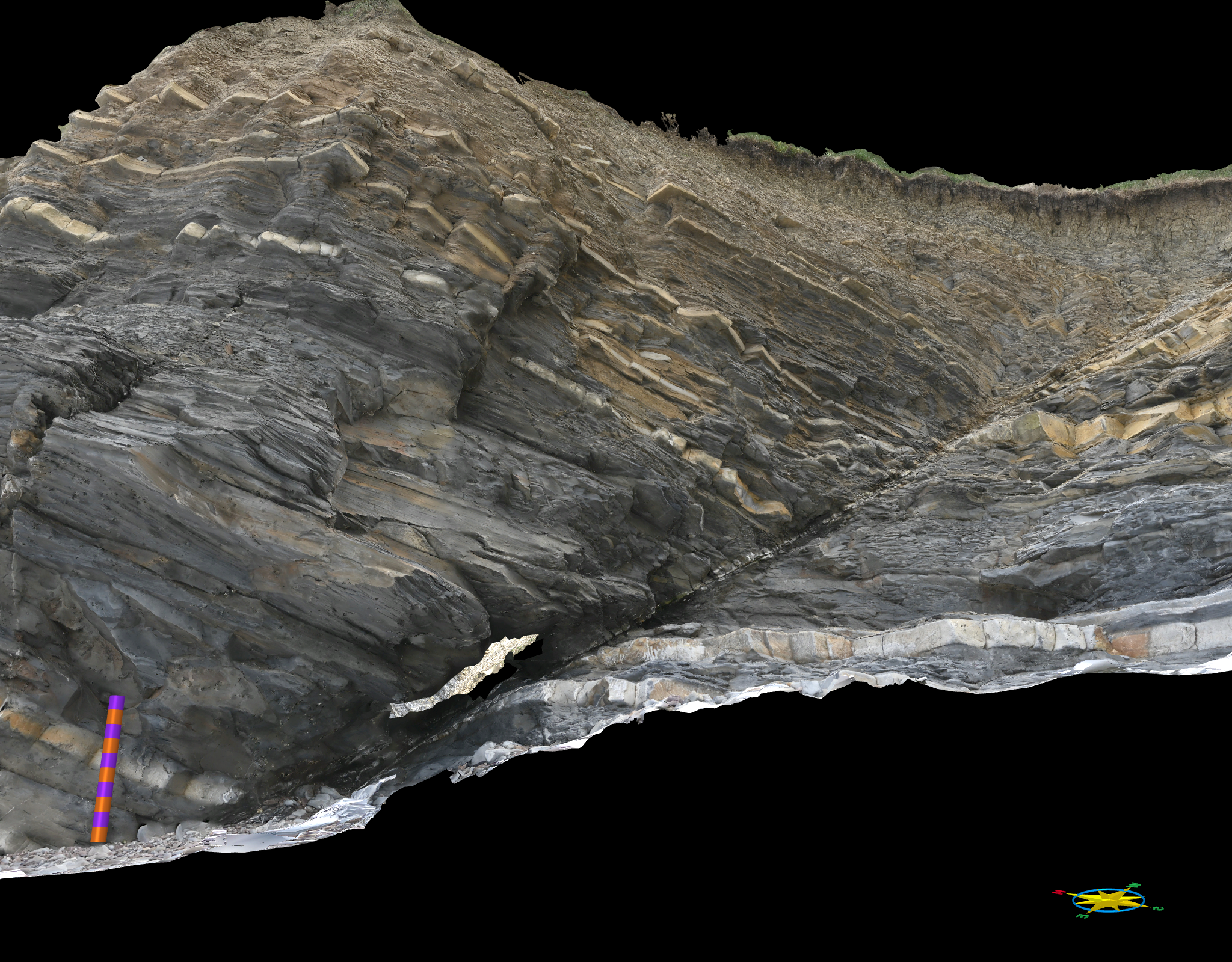
The model from the Nikon Z7 mk 3 mirrorless camera
Like the phone camera data, the images from the mirrorless camera were processed with Metashape back at the office.
Comparing the Data Sets
To evaluate the quality of each dataset, we analysed the coplanarity attribute, which highlights areas of flatness within the model. Models typically show high coplanarity in areas such as bedding planes and joint planes. Smooth models tend to show lower variations in coplanarity in general.
iPhone Lidar Data: The Lidar model displayed the least variation in coplanarity. Whilst accurately capturing the bedding planes and some joint planes, it produced a smooth model, much smoother than the actual outcrop. It did produced much less detail in the resulting mesh than both the phone and mirrorless cameras
Advantages and Disadvantages
You can see your data coverage as you are collecting the data, minimising the chance of data gaps in the final model.
Processing is done on the phone and can be visualised within minutes in the field.
Lidar-equipped phones are expensive, and the on-phone processing will use up battery.
The iPhone lidar has a maximum range of approximately 5 metres, so is of limited use for larger-scale models.
Use case:
When you need real-time 3D models in the field, such as on a field trip where they can be a very useful teaching tool to show the features you are discussing.
For creating datasets to assist with scaling of larger photogrammetric models. Unlike photogrammetric models the lidar models are scaled correctly (but not necessarily georeferenced correctly) so can be used to re-scale photogrammetric models.
Phone Camera Data: The model generated from the phone camera images exhibited more variation in coplanarity than the lidar, capturing the topographic details of the outcrop more effectively.
Advantages and Disadvantages
Much cheaper than the phone lidar, and accessible to most mobile phone users.
Can potentially get more detailed meshes, depending on the quality of the camera.
Can work on scales greater than the limited range of the phone lidar, and is easy to manoeuvre.
Requires post-processing in the office, so not available in the field unless using a cloud service which then needs a mobile data connection.
Some phones perform automatic image processing, so you need to be aware of how your phone manipulates images.
Use case:
Quick, opportunistic, data collection exercises. Student mapping projects. Projects where you need good quality data, but the highest data quality is not a priority.
Mirrorless Camera Data: The mirrorless camera dataset also showed high detail, comparable to the phone camera data, but was not as effective at collecting details inside difficult-to-access areas, mainly due to its size and manoeuvrability.
Advantages and Disadvantages of the Mirrorless Camera
The best control of data collection parameters with access to the best quality lenses.
Best image quality.
Viewfinder gives the best image preview in bright conditions.
Good for covering large areas.
No online processing option, so must be completed in the office.
Not as manoeuvrable for small studies.
Can be expensive for a good-quality body and lens.
Use case:
Larger scale models of m’s to 100’s of metres.
When you want the best quality imagery and textures (though you need to spend time checking the camera settings and check them regularly if you are collecting over extended periods as lighting conditions, and therefore your exposure settings, can change).
Conclusions
While the iPhone lidar technology provides visually appealing models and real-time data collection advantages, standard (and cheaper) photogrammetric approaches using the phone and mirrorless cameras offer greater detail and accuracy for structural measurements. The lidar is limited to a range of about five meters, making it less suitable for larger outcrops or cliff faces. However, its quick and easy data collection process makes it a valuable tool for preliminary fieldwork and creating reference models.
The main drawback of using iPhone lidar is the cost associated with purchasing the device. Fortunately, various apps are available that can perform photogrammetric processing, without requiring lidar, from the phone imagery, though this is only viable if you have a good data connection (which is not always the case in the field).
Each data collection method has its strengths and is best suited for specific purposes. The iPhone lidar is excellent for rapid, in-field modelling, while the phone and mirrorless cameras provide detailed and accurate data for in-depth analysis. Combining these techniques can enhance geological studies and provide comprehensive datasets for various applications.
Latest Articles